If you have ever bought a house, you know the feeling. You wait days for an inspection report, and when it lands in your inbox it is a 60-page PDF full of cramped text and blurry photos. You scroll, you squint, and you still are not sure whether that crack in the foundation is a big deal or a Tuesday.
That experience is exactly what Spectora was built to change. Over the last several years, Spectora has become one of the most talked-about platforms in the home inspection industry, and for good reason. It changes how inspectors work, and it changes how clients understand what they are paying for.
In this article, we will walk through what Spectora is, how it works, what it does well, where it can frustrate people, and what it all means if you are a buyer, a seller, or an inspector. We will keep it practical and honest, because that is how good inspections are done too.
What Is Spectora?
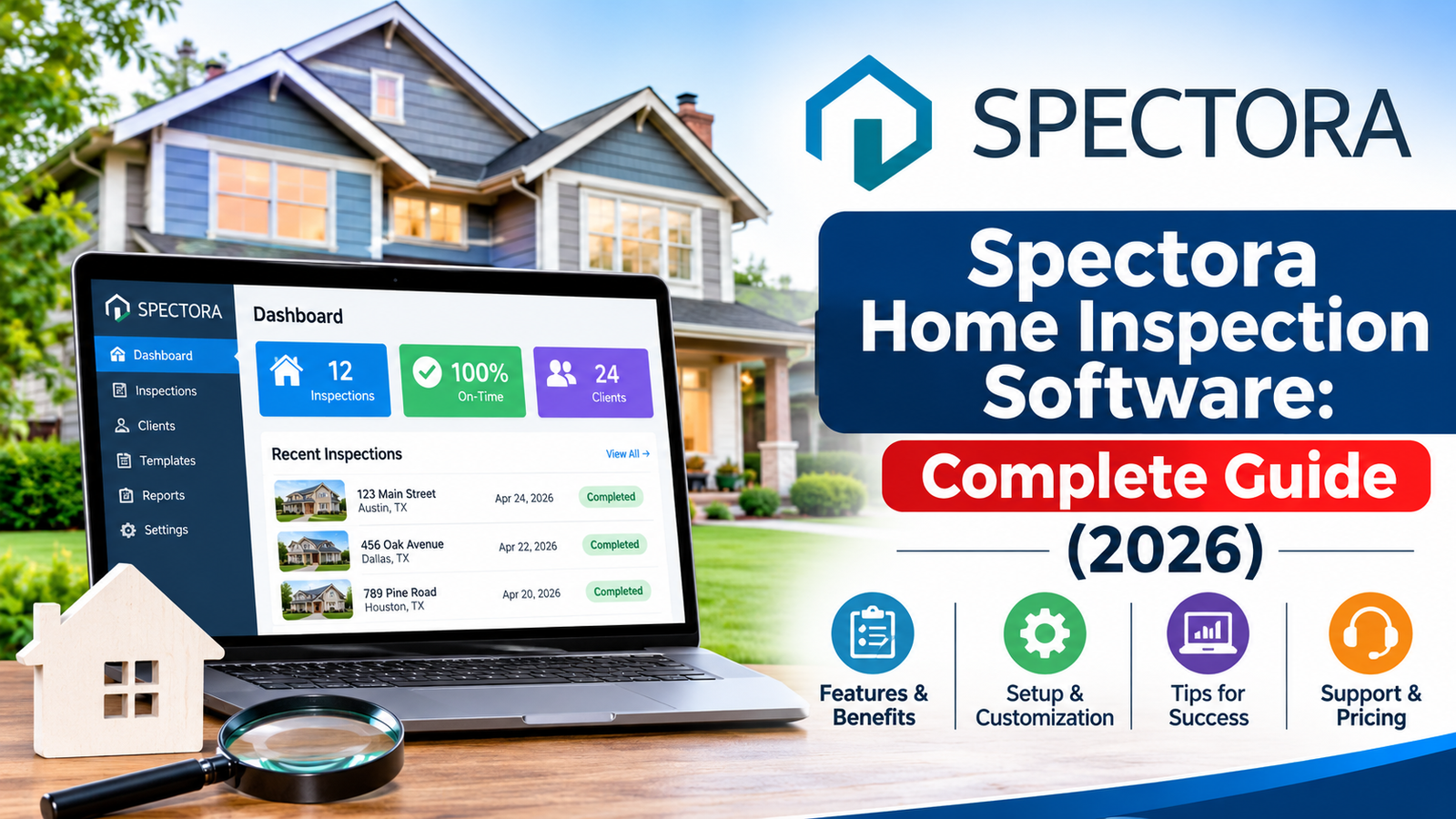
Spectora is cloud-based software made specifically for home inspectors. It handles the full life of an inspection: the booking, the agreement, the on-site data collection, the report, the payment, and the follow-up. Instead of juggling a calendar app, a PDF editor, a payment processor, and a pile of sticky notes, an inspector can run the whole business from one place.
The part most people notice first is the report. Spectora reports are web-based and designed to be read on a phone or laptop. They include photos, short videos, clear defect descriptions, and a summary section that pulls out the items that matter most. A buyer does not have to hunt for the important stuff, because the report is built to surface it.
Behind the scenes, the software also handles things clients never see, like scheduling logic, automated reminders, templates, and business analytics. For an inspector, that back-office help can be the difference between running a tidy company and drowning in admin.
Why Home Inspection Software Matters in the First Place
Before we get into features, it is worth asking why software matters at all. An inspection is a snapshot of a home’s condition on a single day. The inspector crawls the attic, checks the roof, tests the outlets, runs the water, and looks for anything unsafe or likely to fail soon. All of that knowledge is only useful if it reaches the client clearly.
A great inspector with a confusing report is a missed opportunity. A good inspector with a clear, visual, well-organized report can help a family make a confident decision on the biggest purchase of their life. Software is the bridge between what the inspector sees and what the client understands.
That is why companies like Deepseek Home Inspections and others across the industry pay close attention to the tools they use. Modern buyers expect fast, mobile-friendly, easy-to-read information. They are used to tracking packages in real time and signing documents from their couch. They are not excited about waiting for a flattened PDF.
Key Features of Spectora
Let’s break down what the platform actually offers.
1. Clean, Interactive Inspection Reports
This is the headline feature. Reports are built from templates the inspector customizes, then filled in on-site using a phone or tablet. Each finding can include a photo, a short video, a description, and a severity rating.
Spectora organizes findings into categories, and many inspectors use a color-coded system so the reader can tell the difference between a safety hazard, a repair recommendation, and a minor maintenance note. The summary at the top lets a client see the big-ticket issues without reading every page.
Because the report is web-based, clients can open it on any device, click through sections, and enlarge photos. Agents can often view it too, which speeds up negotiations.
2. Online Scheduling and Booking
People book services the way they shop: whenever it is convenient for them, which is often at 10 p.m. Spectora gives inspectors an online scheduler that clients or agents can use to request an inspection at any hour. It can display availability, collect property details, and capture the information the inspector needs before showing up.
For small inspection companies, this reduces phone tag. Fewer missed calls means fewer lost jobs.
3. Digital Agreements and Payments
Before an inspection begins, the client usually needs to sign an inspection agreement. Spectora lets inspectors send that agreement electronically, so it can be signed ahead of time instead of on the doorstep with a clipboard.
Payments can be handled in the same flow. Many inspectors like being able to collect payment around the time of the inspection or when the report is delivered, without chasing invoices later. Always check the current payment options and fees directly with the software provider, since these details change.
4. Automation and Reminders
Automated emails and texts help keep everyone on the same page. Confirmations, reminders, agreement requests, and follow-ups can go out without the inspector manually typing each one. It is a small thing that adds up to a lot of saved time across a busy season.
5. Templates and Customization
Not every home is the same, and not every inspector works the same way. Spectora allows inspectors to build and tweak templates, create reusable comments, and set up their own report style. Someone who inspects older homes in a historic district might want different default language than someone who mostly handles new construction.
This flexibility is also why two Spectora reports can look quite different from one inspector to the next. The software provides the structure, but the inspector provides the judgment and the voice.
6. Mobile-First Field Workflow
Inspectors spend most of their day in crawlspaces, on roofs, and in basements, not at a desk. Spectora is designed so the bulk of the report can be built on a phone or tablet while walking the property. That means photos are attached at the moment they are taken, and notes are written while the issue is still right in front of the inspector.
This matters for accuracy. The longer an inspector waits to write things up, the more likely small details slip away.
7. Integrations and Add-Ons
Many inspectors use Spectora alongside other tools, such as accounting software, calendars, and specialty services like repair estimates or home warranty offerings. Integration options vary and evolve over time, so it is smart for inspectors to review what is currently available before committing.
How Spectora Helps Home Buyers
Buyers are not the ones purchasing the software, but they are arguably the biggest beneficiaries. Here is what a good Spectora-style report does for them.
It makes the report readable. A buyer can look at the summary, see the three or four items that need attention, and then dig into details only where they want to. That is a huge relief when you are already overwhelmed by loan paperwork and moving logistics.
It shows, not just tells. Photos and videos make it much easier to understand what an inspector is describing. A caption saying “moisture staining observed” is fine. A photo of the stain on the ceiling, next to the plumbing line above it, is much better.
It speeds up decisions. Because the report is delivered digitally and often the same day, buyers can move quickly on repair requests or renegotiations while the contract timeline is still ticking.
It is easy to share. Buyers can send the report link to their agent, their contractor, or a family member without converting files or attaching huge PDFs.
If you are preparing to buy a home, it is worth choosing an inspection company that takes report quality seriously. You can learn more about the kind of inspection experience to expect by visiting Deepseek Home Inspections and seeing how a professional team presents its services.
How Spectora Helps Home Sellers and Agents
Sellers sometimes order a pre-listing inspection to avoid surprises. In that situation, a clear report becomes a marketing tool. It shows that the seller is transparent and gives buyers confidence.
Real estate agents also appreciate readable reports. When an agent can open a link and quickly see the summary, they can guide their clients more effectively. They can also gauge which items are likely to become negotiation points and which are routine maintenance.
Of course, a good report does not replace a conversation. The best inspectors walk clients through the findings, explain what is urgent and what is not, and answer questions honestly. Software supports that conversation, but it does not replace it.
How Spectora Helps Inspectors Run a Better Business
If you are an inspector, or thinking of becoming one, this is probably the section you came for.
Less Admin, More Inspections
The average inspector does not get into the trade because they love paperwork. Automating scheduling, agreements, reminders, and invoices frees up hours every week. Those hours can go toward more inspections, better client communication, or simply getting home for dinner.
A Professional First Impression
Clients judge an inspection company before the inspector even arrives. A smooth online booking process, a clear agreement, and a polished report all say the same thing: this person runs a tight operation. In a market where trust drives referrals, that perception matters.
Consistency Across the Team
For companies with more than one inspector, shared templates help keep reports consistent. A client should get a similar quality of report no matter which team member shows up. Software makes that much easier to maintain.
Business Insight
When all your jobs live in one system, you can see patterns. Which agents send you the most work? Which months are busiest? Where do bookings come from? Those answers help with marketing, pricing, and hiring decisions.
Potential Downsides and Things to Consider
No software is perfect, and it would be dishonest to pretend otherwise. Here are some things inspectors and clients should keep in mind.
There is a learning curve. Building templates and getting comfortable with the workflow takes time. Inspectors switching from another platform should plan for a transition period and not roll it out in the middle of their busiest week.
Cost matters. Software subscriptions are a recurring expense. Solo inspectors in particular should compare pricing, features, and contract terms before deciding. Prices and plans change, so always confirm directly with the provider.
A good tool does not make a good inspection. This is the big one. Software can make a report prettier and faster, but it cannot crawl the attic for you. A beautifully formatted report built on a rushed or incomplete inspection is still a bad report. Clients should look at the inspector’s experience, credentials, and reviews, not just the report format.
Overly long reports can still overwhelm. Some inspectors, trying to be thorough, include every tiny observation. The result can be a report so long that the important items get buried. The best inspectors use the tools to prioritize, not just to document.
Technology can fail. Internet outages, app glitches, and phone battery issues happen. Smart inspectors have backup habits, like taking extra photos and notes in case something does not sync as expected.
Spectora vs. the Alternatives
Spectora is not the only option. The home inspection software market includes several other platforms, each with its own strengths. Some are older, more traditional tools with deep customization. Others are newer and focus on speed or simplicity.
When comparing, inspectors typically look at:
- Report presentation: How readable and professional is the final product for clients?
- Ease of use in the field: Can you build a report quickly on a phone without frustration?
- Business tools: Does it include scheduling, agreements, payments, and automation?
- Pricing and contracts: Is the cost clear, and can you adjust as your business grows?
- Support and community: Is help available when something goes wrong, and are other inspectors sharing tips?
The right choice depends on how you work. A one-person operation has different needs than a ten-inspector firm. If possible, take advantage of demos or trial periods and test the software on a real inspection before committing.
Tips for Getting the Most Out of Spectora (or Any Inspection Software)
If you do decide to use it, a few habits will help you get better results.
- Invest time in your templates. A well-built template saves minutes on every inspection. Over a year, that adds up to days.
- Write comments in plain language. Skip jargon where you can. If a client has to Google your terminology, you have lost them.
- Prioritize photos and short videos. A clear image of the issue, taken from an angle that shows context, is worth a hundred words.
- Use the summary wisely. Highlight the items that genuinely affect safety, major cost, or the home’s structure. Do not bury the headline.
- Walk the client through it. Even the best report benefits from a phone call or a short meeting to explain the big findings.
- Ask for feedback. Clients will tell you what confused them. Use that to refine your templates and your process.
What Buyers Should Look for in an Inspection Report
Whether the report comes from Spectora or another platform, buyers can use a simple checklist to judge quality:
- Is there a clear summary of major issues at the top?
- Are the photos sharp and relevant to the issue described?
- Are recommendations specific, such as “have a licensed electrician evaluate,” rather than vague?
- Is the language understandable without a construction background?
- Does the inspector distinguish between safety concerns, repair needs, and routine maintenance?
If the answer to most of those is yes, you are probably in good hands. If you want to see what a modern, client-focused inspection company looks like, take a look at the services and information available at Deepseek Home Inspections.
The Bigger Picture: Technology and Trust
Home inspection is, at its core, a trust business. A buyer is handing a stranger access to the home they hope to live in and trusting that person to tell them the truth. Software cannot create that trust, but it can support it.
When a report is clear, visual, and delivered promptly, clients feel respected. They feel informed rather than confused. And when clients feel informed, they make better decisions, ask smarter questions, and are far more likely to recommend the inspector to friends and family.
That is the real value of tools like Spectora. They are not magic, and they are not a substitute for skill. But in the hands of a careful, honest inspector, they turn hard-won expertise into something a normal person can actually use.
Final Thoughts
Spectora has earned its place as a leading home inspection platform by focusing on what matters: better reports, simpler workflows, and a smoother experience for everyone involved. For inspectors, it can reduce admin and sharpen their professional image. For buyers, sellers, and agents, it makes inspection findings easier to read and act on.
Still, the best software in the world cannot replace a thorough inspection by a qualified professional. If you are buying or selling a home, choose an inspector you trust, ask how they deliver their reports, and do not be shy about asking questions. A good inspector will welcome them.
Ready to take the next step with your own property? Visit Deepseek Home Inspections to learn more about professional inspection services and how a thorough, well-communicated inspection can give you confidence before you close.
Note: Software features, pricing, and integrations change over time. Always confirm current details directly with the provider before making a decision.